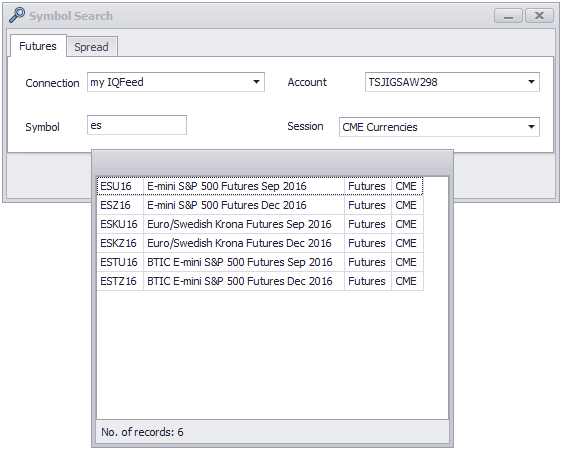
As well as being able to download instruments from the data provider, you are able to clean up any expired symbols in the database. This will remove them from the instrument search window.
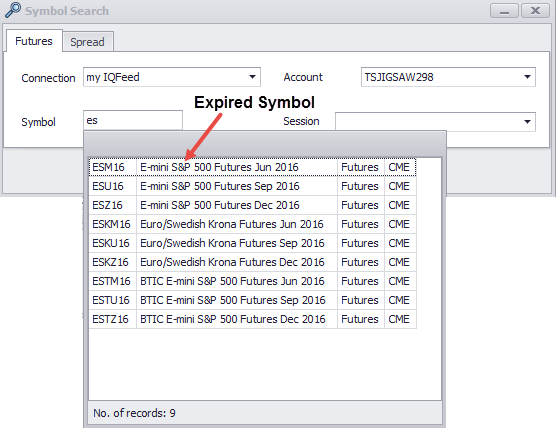
Here's an example of how it works. First let's look at the search window with an expired symbol:
To clean Expired Symbols go to the daytradr Desktop, click "Tools" then "Clean Expired Symbols"
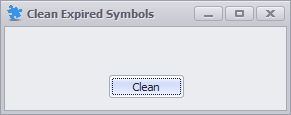
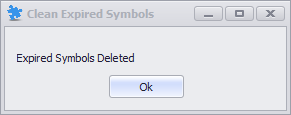
Click "Clean" to confirm. Upon completion, you will see the following message:
The expired symbols (in the above case "ESM16") have now been removed.